
Salesforce

The Problem
Your donation platform and your CRM shouldn't be two different stories.
Enterprise nonprofits process thousands of online donations per month. Most donation platforms sync that data to Salesforce in batches—hourly, nightly, or worse, manually. The result: stale records, missing attribution, duplicate contacts, and a development team that doesn't trust their own data.
When your Salesforce data lags behind your actual fundraising, you can't calculate real-time conversion rates, you can't attribute donations to campaigns accurately, and you can't identify at-risk recurring donors before they churn. You're making decisions on yesterday's numbers.
GiveForms eliminates that gap entirely.
What Syncs
Every donor event, mapped to the right Salesforce object.
GiveForms pushes structured data to Salesforce in real time across the full donor lifecycle. Every event is mapped to standard NPSP and Nonprofit Cloud objects—no custom middleware, no brittle integrations.
Donations
Every completed donation creates an Opportunity record in Salesforce with amount, payment method, frequency, fee coverage, designation, and dedication details. One-time and recurring gifts are distinguished automatically.
- Salesforce object: Opportunity
- Record type: Donation (auto-assigned)
- Includes: Amount, payment method, frequency, designation, dedication, fee coverage status, timestamp
Recurring Plans
New recurring plans, plan updates, cancellations, pauses, and payment failures all sync as they happen. Your team sees recurring donor status change in Salesforce the moment it changes in GiveForms.
- Salesforce object: Contact, Account (Household)
- Matching logic: Email-first matching with configurable fallback rules
Campaign Attribution
UTM parameters, source codes, and referral data flow through to Salesforce so your attribution model stays intact from ad click to completed donation.
- Salesforce object: Campaign Member, Opportunity (custom fields)
- Includes: UTM source, medium, campaign, content, term, source code
Refunds
Full and partial refunds sync back to the original Opportunity record, updating the amount and stage automatically. No manual reconciliation.
- Salesforce object: Opportunity (stage update), Payment (NPSP)
- Events synced: Full refund, partial refund
Works With Your Salesforce Setup
NPSP. Nonprofit Cloud. Custom implementations. We support them all.
Enterprise nonprofits run Salesforce differently. Some have been on NPSP for a decade with heavy customizations. Others have migrated—or are migrating—to Salesforce's newer Nonprofit Cloud with its redesigned data model. Many have custom objects, custom fields, and custom automation built on top of either platform.
GiveForms is built to work with all of them.
- Nonprofit Success Pack (NPSP)
Native support for the NPSP data model. Donations map to Opportunities. Recurring gifts map to Recurring Donation objects. Contacts use the Household Account model. If you're running NPSP, GiveForms drops in without reconfiguring your org. - Salesforce Nonprofit Cloud
Native support for the NPSP data model. Donations map to Opportunities. Recurring gifts map to Recurring Donation objects. Contacts use the Household Account model. If you're running NPSP, GiveForms drops in without reconfiguring your org. - Custom Implementations
Custom fields, custom objects, custom record types—GiveForms supports configurable field mapping so you can route donation data exactly where your team needs it. If your Salesforce org has been customized beyond standard NPSP or Nonprofit Cloud, we'll work with your admin to map everything correctly during onboarding.
- Lorem impsum dore
http://localhost:3000/api/auth/callbackullamco laboris nisi authorizeorem impsum dore ullamco laboris nisi
Custom Field Mapping
Put the right data in the right fields.
Every nonprofit's Salesforce org is different. GiveForms gives you full control over where donation data lands.
- Standard field mapping
Native support for the NPSP data model. Donations map to Opportunities. Recurring gifts map to Recurring Donation aOut-of-the-box mappings for NPSP and Nonprofit Cloud cover the most common configurations. Connect and go.objects. Contacts use the Household Account model. If you're running NPSP, GiveForms drops in without reconfiguring your org. - Custom field mapping
Map any GiveForms data point to any Salesforce field. Route designations to custom picklists, send dedication messages to custom text fields, push source codes to whatever field your reporting depends on. - Conditional logic
Set rules for how data routes based on donation properties. Different campaigns, different designations, different amounts can each follow their own mapping rules.
import type { NextConfig } from 'next';

const nextConfig: NextConfig = {
  async rewrites() {
    return {
      fallback: [
        {
          source: '/:path*',
          destination: 'https://my-legacy-site.com/:path*',
        },
      ],
    };
  },
};
export default nextConfig;
Real-Time, Not Batch
The difference between real-time sync and batch sync is the difference between insight and hindsight.
Most donation platforms sync to Salesforce on a schedule—every hour, every few hours, or once a day. That means your team is always looking at incomplete data. A donor who gave at 9am doesn't appear in Salesforce until the afternoon. A recurring plan that failed at midnight isn't flagged until tomorrow.
GiveForms syncs every event in under one second.
Why this matters for enterprise nonprofits:
- Major gift follow-up: A $10,000 donation triggers an Opportunity in Salesforce immediately. Your major gifts officer can follow up within minutes, not hours.
- Recurring plan recovery: A payment failure creates a task in Salesforce the moment it happens. Your retention team can intervene before the donor churns.
- Campaign optimization: Mid-campaign, your team can see exactly how many donations have been attributed to each source in Salesforce—not a delayed approximation.
- End-of-month reporting: No more waiting for the final batch to run before pulling reports. Your Salesforce data matches reality at all times.
What This Unlocks
When your donation data lives in Salesforce in real time, you can finally track the metrics that matter.
Enterprise nonprofits that connect GiveForms to Salesforce gain the ability to run their fundraising like a SaaS revenue team. The data is there. The attribution is there. The speed is there.
- Donor Lifetime Value
Combine donation history, recurring plan data, and engagement signals in Salesforce to calculate true LTV by acquisition channel, campaign, and donor segment. - Recurring Donor Churn
Track plan cancellations, payment failures, and recovery rates in Salesforce. Build reports that identify churn patterns before they become revenue problems. - Conversion Attribution
With UTM parameters and source codes flowing into Salesforce, you can build Opportunity reports that tie completed donations back to specific campaigns, ads, and channels. - Campaign ROI
Compare campaign spend against actual Salesforce Opportunity revenue—not just form submissions or page views. Calculate true cost-per-acquisition and return on ad spend. - Gift Officer Productivity
Automate task creation, opportunity assignment, and follow-up workflows based on real-time donation data. Measure response times and stewardship touchpoints.
Related Integrations




Explore the Platform
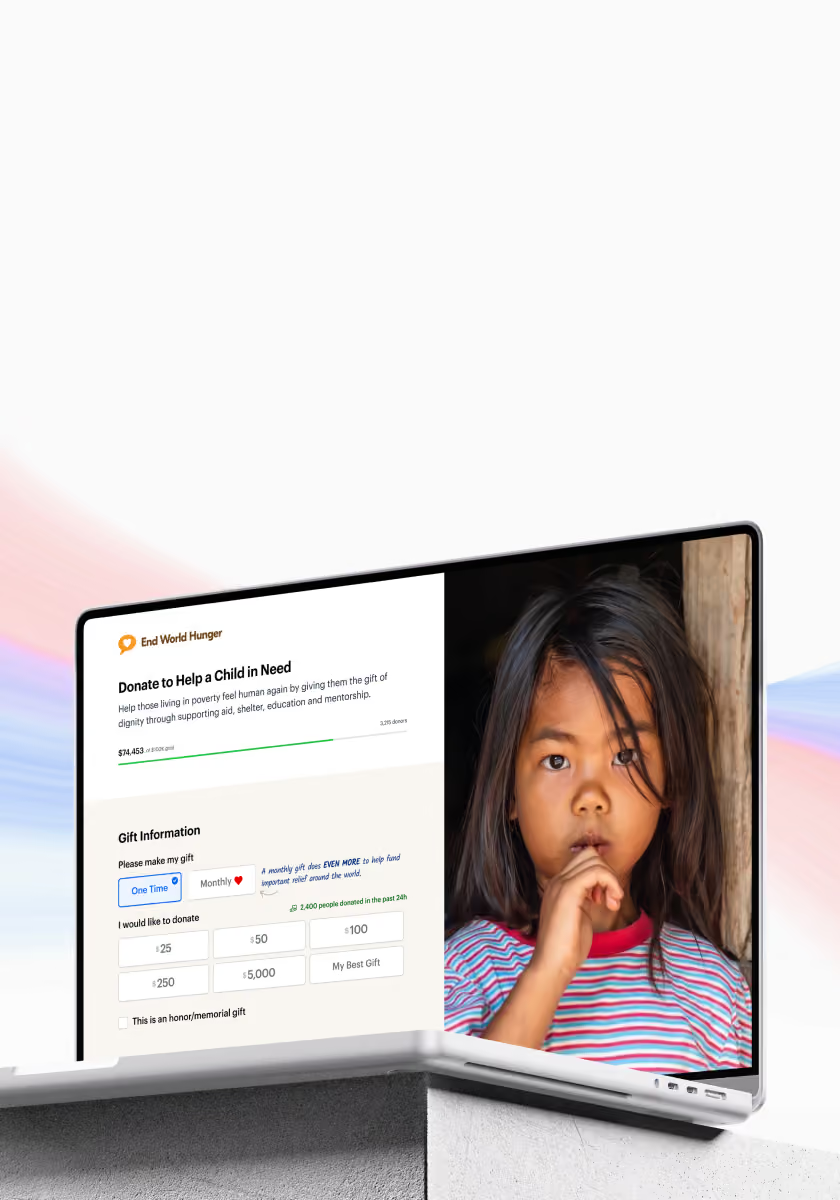
High Velocity Donation Pages
A/B tested with millions of visitors, optimized for speed, and designed to turn more traffic into donors.
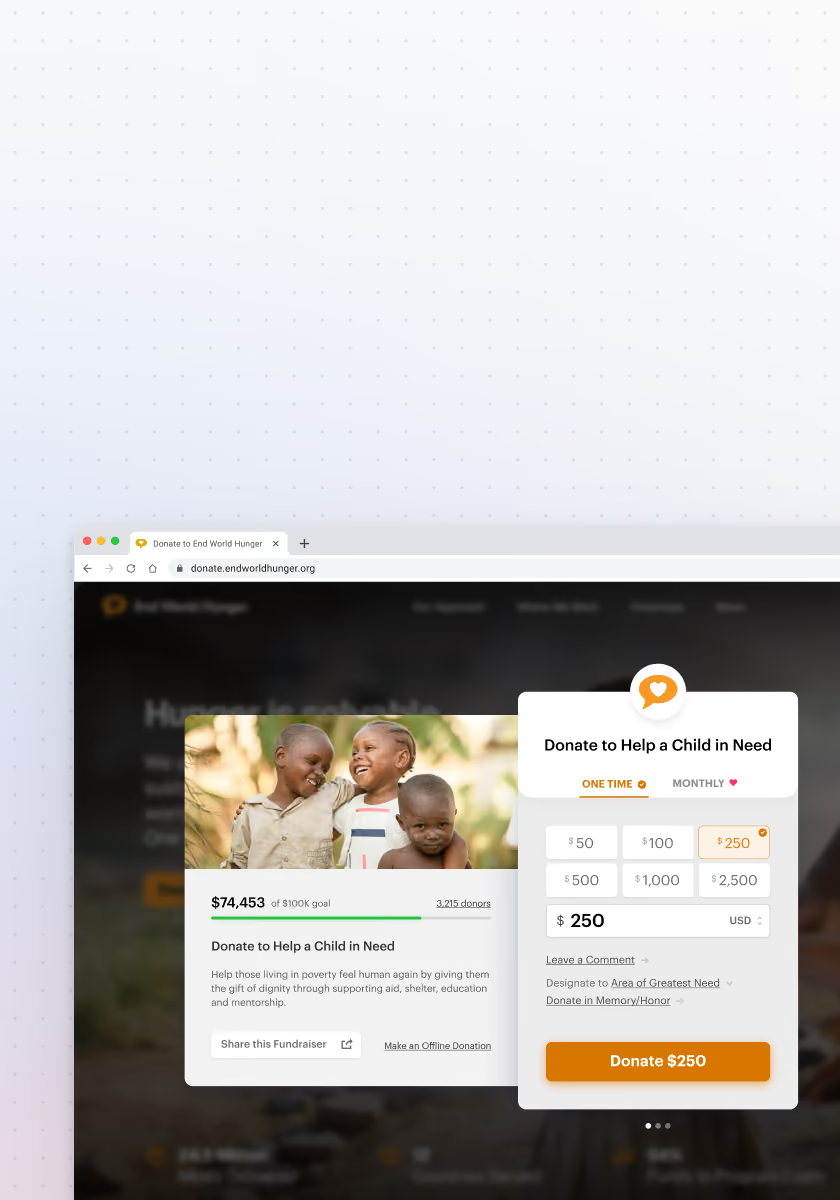
Seamless Donation Popups
Embed donation forms directly on your website. Launch campaigns in minutes with complete brand control.
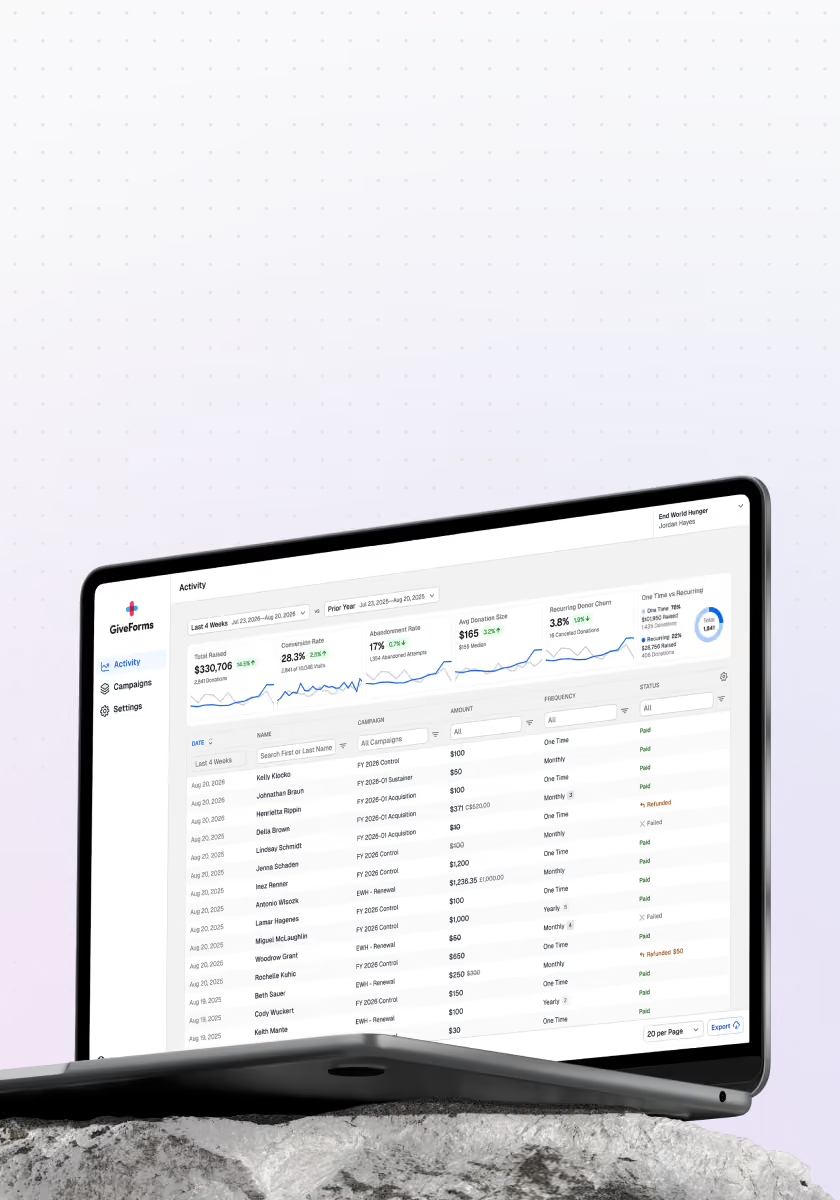
Insights Dashboard
Track the metrics that matter. Make data-driven decisions about your fundraising.
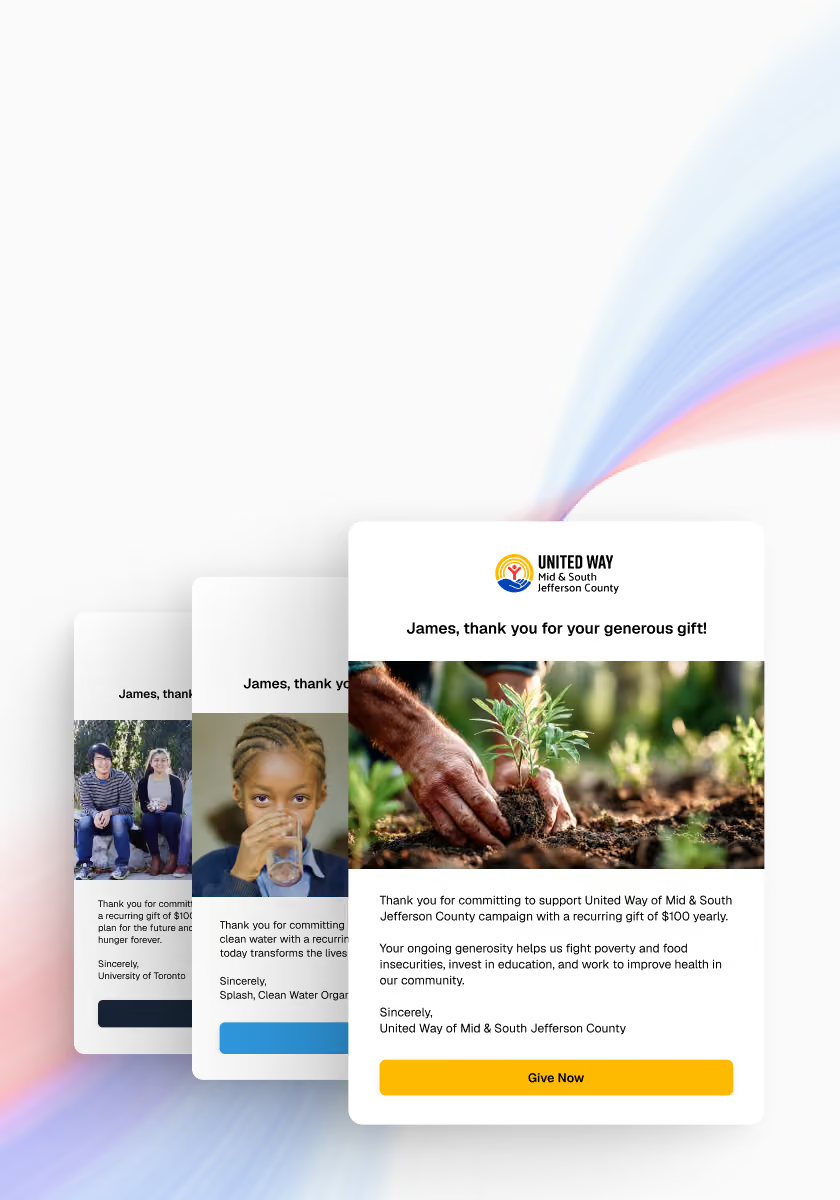
Automated Emails & Receipts
Automated, branded receipts sent instantly. Tax-compliant documentation your donors expect.
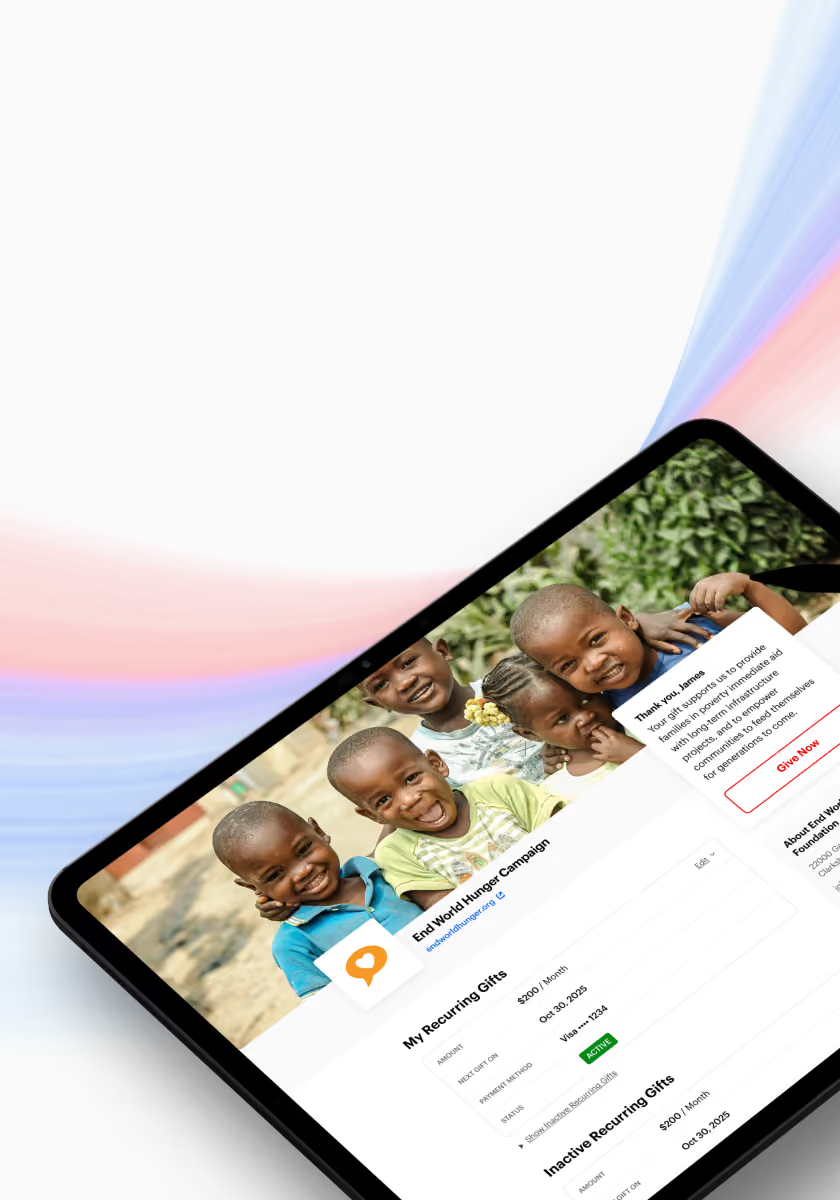
Donor Portal
Allow donors to manage their own recurring plans, update payment methods, and download receipts.
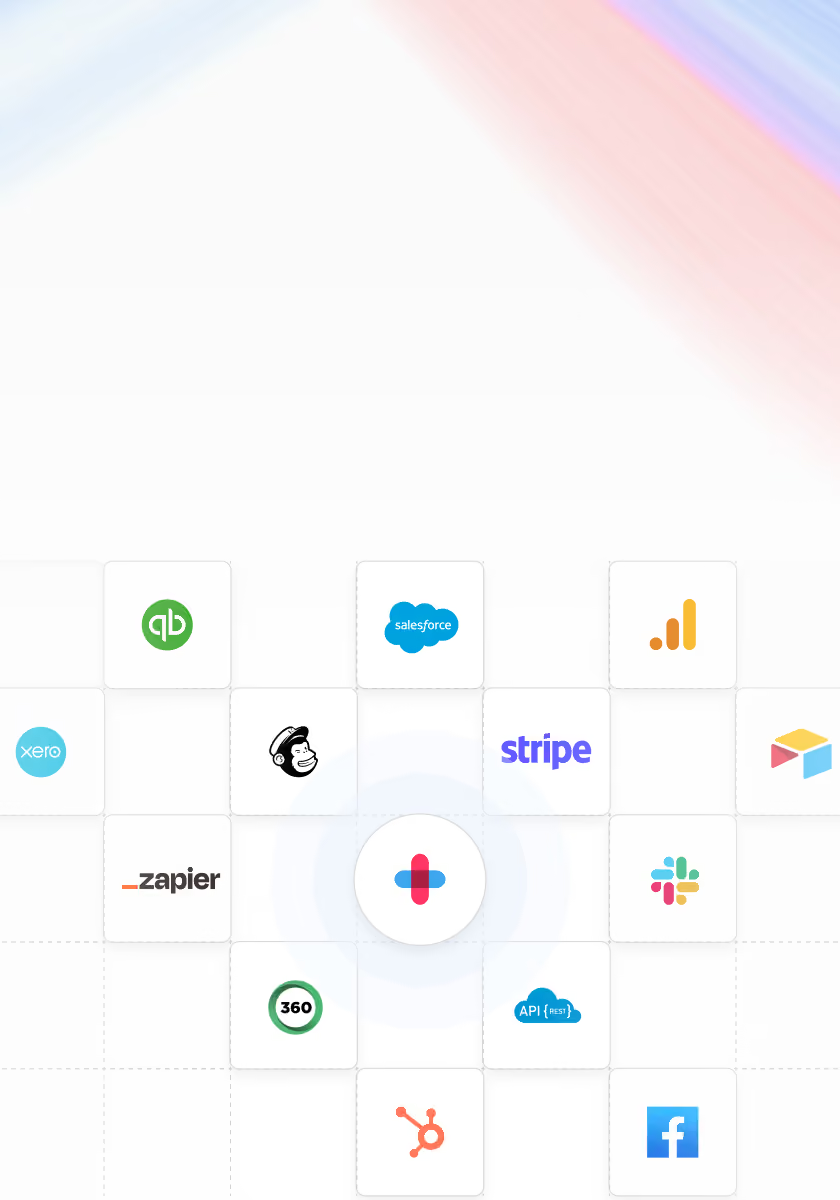
Integrations & API
Sync donor data to Salesforce, Zapier, or via our REST API. Real-time webhooks keep your stack in sync.
See where your donation form is losing gifts
Bring your current form to a demo and we'll compare it to GiveForms. Migration and onboarding are included if you switch.